Every clinical record in FitsPro maps to a standard FHIR resource. Bring your own EHR or EMR; we read from and write to a data shape your existing systems already speak.
The FitsPro schema mirrors FHIR R4 resources directly — same field shapes, same identifiers, same lifecycle statuses. Below is the subset most frequently exchanged with external systems.
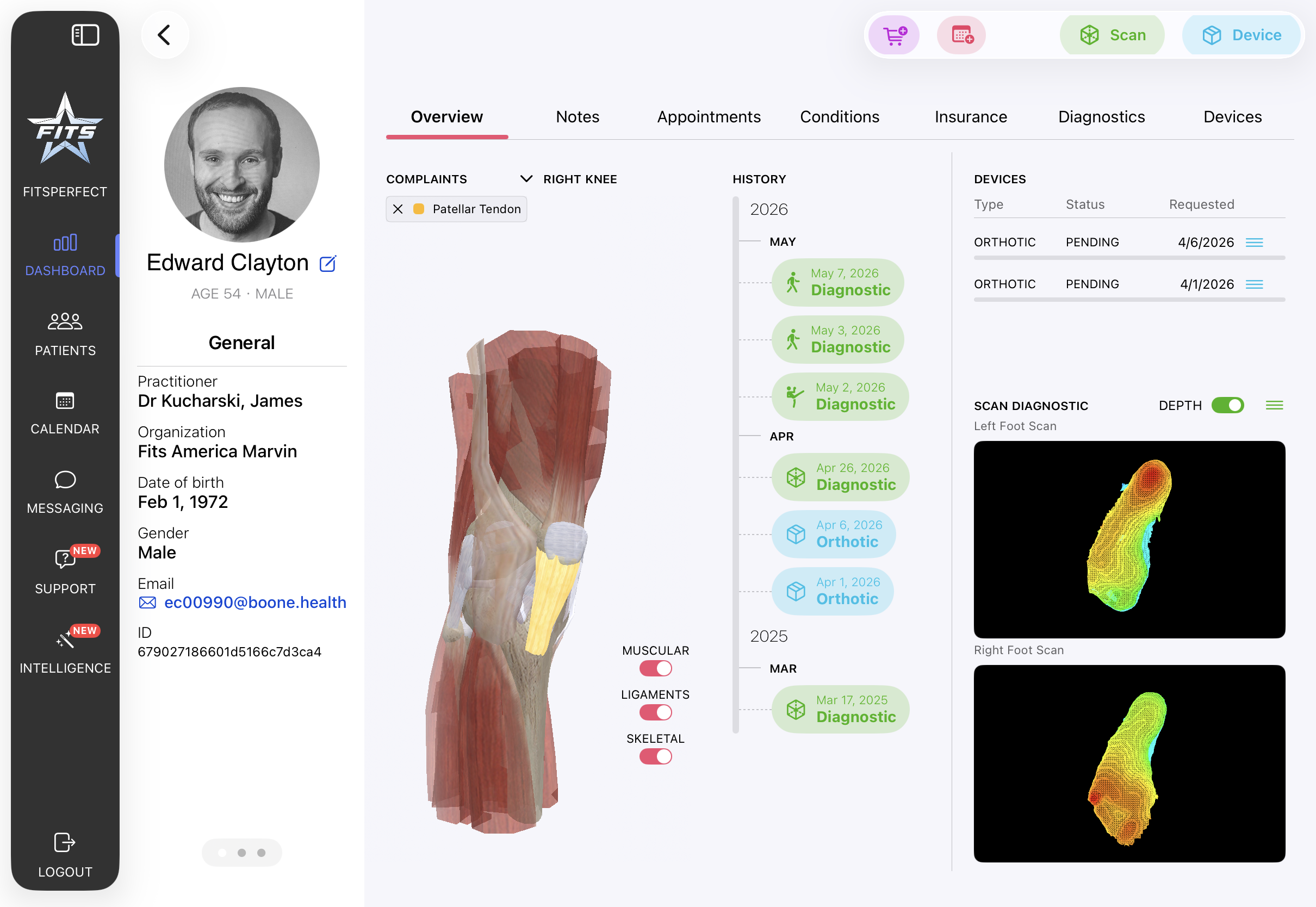
Demographics, contact info, identifiers, managing organization.
NPI, qualifications, telecom, name and role data.
Clinic / practice entity. Status, billing model, configuration.
Physical sites tied to a managing organization. Address, hours.
Links practitioner ↔ organization ↔ location. Availability windows.
Visits with type, period, participants, and location references.
Scheduled events including remote (telehealth) flag and participant array.
Orthotic specifications, lifecycle status, fulfillment tracking.
A clinic is an Organization with one or more Locations. A practitioner attaches to one or more locations via a PractitionerRole, which carries availability and scope. Role groups — practitioner, manager, administrator, super — govern what each user sees across that hierarchy.
Every patient, encounter, and device request references the managing organization so cross-tenant access never resolves by accident.
FitsPro doesn't require you to abandon your EHR. Most clinics keep their existing system as the source of truth and bring FitsPro in for the foot-care-specific workflows it owns.
Because every record already lives in a standard FHIR shape, it exchanges with your EHR both ways — no re-keying on the way in, no printing or faxing on the way out. What syncs, and how, is mapped with you as part of the integration.
Search your EHR and pull a matched patient — name, date of birth, contact, and record number — instead of re-typing it.
Gait, range-of-motion and posture results — each with its captured files and the 3D foot scan — plus the orthotic device order and its charges, posted to the patient's chart.
Integration discussions happen on the orientation call. Bring a sample of the data you want flowing back and forth, and we'll sketch the integration before you commit.